
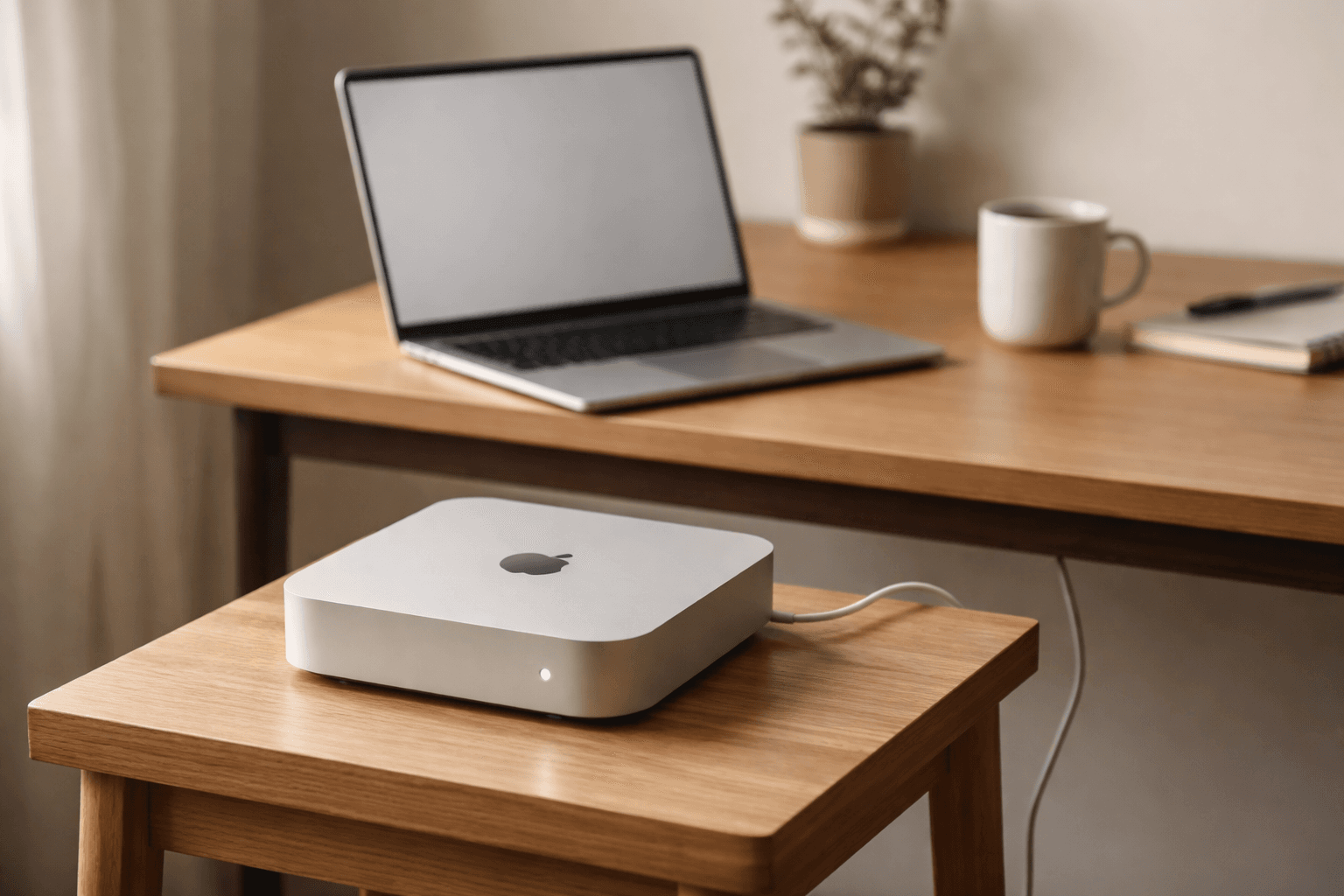
I dedicated my Mac Mini to one job: run AI agents while I work on something else.
Not because my MacBook Pro couldn't handle it. It can. But every time Claude Code kicked off a long agentic task, my primary machine became a hostage to someone else's workload. Fans spinning. Terminal locked up. One environment trying to serve two masters.
That's not a hardware problem. It's an architecture problem.
I Started with OpenClaw
Like a lot of people right now, I looked at OpenClaw first. It's a personal AI assistant you run on your own devices. Connects to your messaging platforms. Sounds great on paper.
Then the API bills showed up.
Every interaction routes through paid API calls. For light use, that's fine. But I wanted agents running real tasks: reading codebases, generating drafts, executing multi-step workflows. At that volume, credits burn fast. I wasn't building a side project. I was trying to build a daily workflow. The cost model didn't fit.
A Different Architecture
I found mac-mini-agent through a video by IndyDevDan and the approach clicked immediately.
The concept is simple. Two machines, two roles. Your Mac Mini is the agent sandbox. Your laptop is where you actually work. You submit jobs to the Mini, it executes them autonomously, and you check results when they're ready.
The part that sold me: I can run Claude Code on the Mini using my existing Anthropic Pro subscription. No per-call API charges. No metering anxiety. Just a flat subscription I already pay for, doing heavier lifting on dedicated hardware.
Separation of Concerns Isn't Just for Code
The same principle that makes you split a monolith into services applies to how you run your tools. When your development machine doubles as your AI execution environment, you've coupled two workloads with completely different resource profiles.
AI agents are long-running, CPU-intensive, and unpredictable. Your actual work needs a responsive, stable machine you can trust. Running both on the same box means one always compromises the other.
The Mac Mini sits on my desk, headless, running agent jobs over SSH. My laptop stays fast and focused. I don't watch progress bars. I check results when they're ready.
The Security Model I Can Actually Understand
This mattered more than I expected.
OpenClaw connects to WhatsApp, Telegram, Slack, Discord, and a dozen other platforms through a WebSocket control plane. That's a wide surface area. I'm not saying it's insecure. I'm saying I couldn't quickly build a mental model of what was exposed and to whom.
With the Mac Mini setup, the security model fits in my head. The machine is on my local network. I connect over SSH. Claude Code runs in a sandboxed terminal session. Files stay on hardware I own. No gateway process bridging my messaging apps to an AI runtime. No WebSocket listeners accepting connections.
When an agent reads my code, modifies my files, and makes decisions on my behalf, I want to understand every layer between it and the outside world. Fewer integration points means fewer things to audit, fewer things to trust, and fewer things that can go wrong.
Owning the Stack Changes the Relationship
There's a reason beyond performance and security. When you own the execution environment, you stop thinking of AI as a service and start thinking of it as infrastructure.
Services have limits, pricing tiers, and terms of service that change. Infrastructure is yours. You decide how it runs, when it runs, and what it has access to. That shift in framing changes how you design workflows around it.
I'm not anti-cloud. I use cloud services constantly. But for the work where AI agents operate with real autonomy, I want that happening on a machine I control, on a network I manage, with a cost model I can predict.
That's not paranoia. It's the same instinct that makes you run a local database during development instead of pointing at production. You want to move fast without worrying about what you might break or what it might cost.
The Practitioner's Take
Most people evaluating AI agent setups are comparing features. Which tool connects to more services? Which one has the better UI?
I'd argue the better question is: which architecture do you understand well enough to trust?
A dedicated machine running Claude Code over SSH isn't the flashiest setup. But I can explain every part of it. I can secure every part of it. And I can afford to run it every day without watching a billing dashboard.